Zoom Phone Call Logs Explained: Fields, Exports, and CDR Data
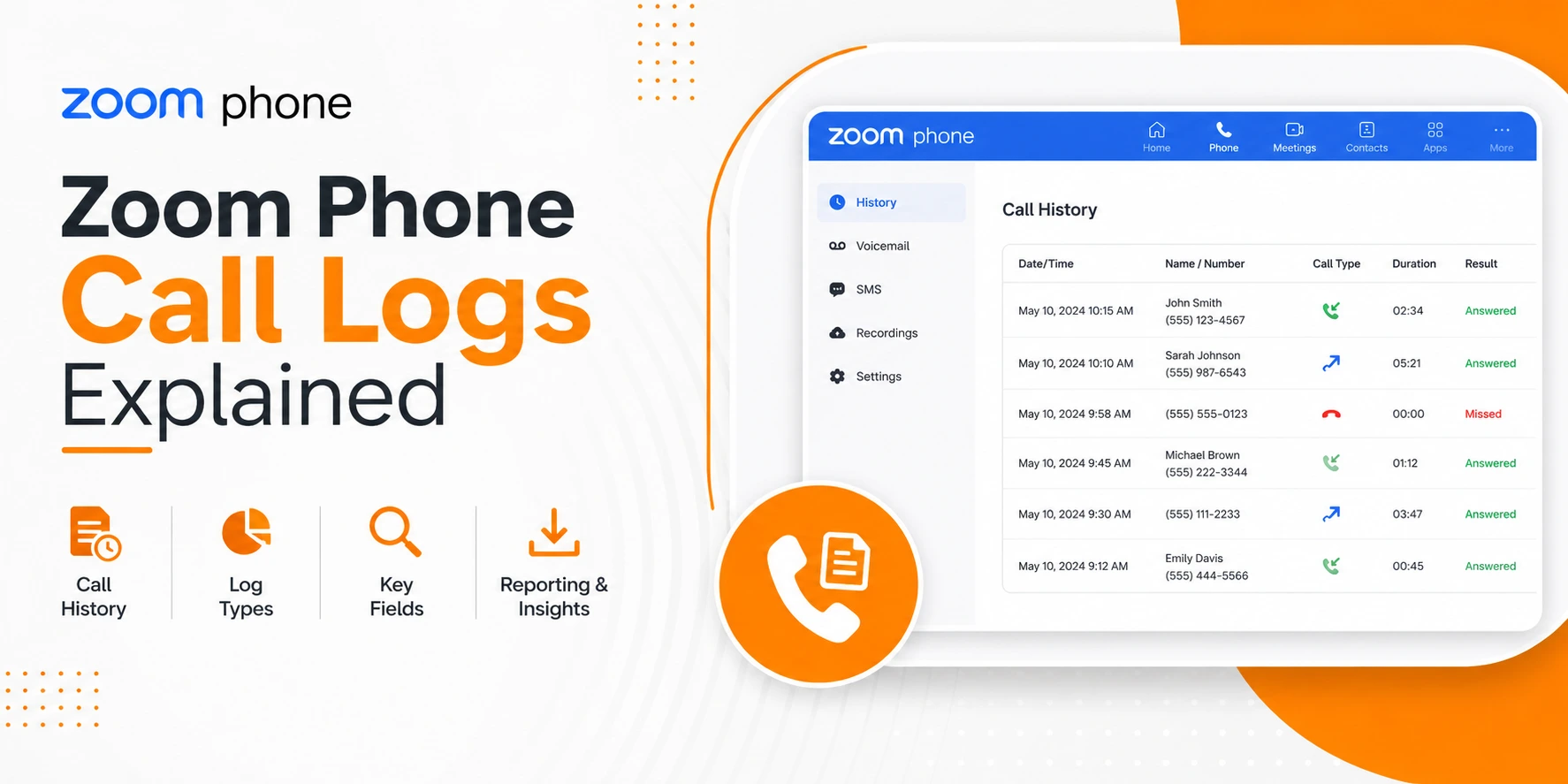
For Unified Communications (UC) engineers and telephony architects, understanding how call detail records (CDRs) work in Zoom Phone is critical to troubleshooting, compliance, capacity planning, and system integration. This technical reference walks you through what constitutes Zoom Phone CDR data, how Zoom structures its call logs, essential fields and terminology, export options, and post-processing techniques. This is designed as a technical guide for system administrators, not a sales overview.
call_uuid identifiers to reconstruct multi-leg call journeys accurately.
What Are Call Detail Records (CDRs)?
Call Detail Records are structured logs that describe individual telephony events. For Zoom Phone, a single call journey may generate one or more rows representing session initiation, call transfers, termination, forwards, and optional voicemail interactions. While Zoom doesn’t always label them as “CDRs” in every user interface, the exported call log repository is functionally equivalent to the traditional CDRs found in on-premises PBX and SBC environments.
How Zoom Phone Call Logs Are Accessed
Engineers can access Zoom Phone call logs through the Zoom Admin Portal by signing in as an admin and navigating to Phone System Management > Reports > Usage Reports > Phone Logs. Alternatively, for automated workflows, you can use the Zoom REST APIs to fetch call logs programmatically or integrate logs into SIEM/analytics platforms via script automation. Primary export formats include CSV for manual review and JSON via the API.
Zoom Phone Call Log Structure
A representative sample of the critical fields found in a Zoom Phone export includes:
| Field Name | Technical Description |
|---|---|
call_id / call_uuid | Unique identifier for the call session. |
timestamp | UTC event time of the recorded activity. |
caller / callee | Originating and destination numbers or users. |
direction | Classified as inbound, outbound, or internal. |
duration_seconds | The length of the call in seconds. |
result | Answered, Missed, Voicemail, or Failed. |
device_type | Softphone, Desk phone, or Mobile client. |
route | PSTN trunk route or SIP trunk ID. |
site / queue_id | Logical site ID or basic queue identifier. |
Call Identifiers and Session Integrity
Unlike traditional TDM PBX CDRs where one call typically equals one record, cloud phone call sessions are more complex. A single logical call can spawn multiple rows to represent multiple legs, transfers, breakout sessions, or voicemail loop-backs. To ensure session integrity, engineers must always normalize data on the call_id or call_uuid to reconstruct the full session.
Direction and Call Results
Zoom Phone canonicalizes direction values into three categories: inbound (PSTN to user/queue), outbound (user to PSTN), and internal (user to user with no PSTN charging). Result codes such as connected, missed, voicemail, failed, and disconnected are essential for filtering logs for performance analysis.
PSTN Attributes and Trunking
In deployments using SIP trunks or PSTN connectors, logs include Trunk IDs, carrier names, and channel groups. This information is vital for diagnosing PSTN disconnects, call setup failures, and interconnect capacity issues. Similarly, basic queue logging provides visibility into wait times and member participation, though exports must be aggregated downstream for deeper benchmarking.
Exporting Zoom Phone Call Logs
Manual Export Method
Admins can manually set date/time ranges and filter by user or site within the Admin portal. Exports can be generated as CSV files on a daily or hourly basis depending on the organization's scale.
Automation via API
For scalable reporting, Zoom exposes Phone Logs API endpoints. Engineering teams typically implement scheduled pulls (via cron or serverless functions) and incremental exports with checkpointing to integrate data into SQL/NoSQL databases, Data Lakes, or BI tools like Power BI and Tableau. Handling UTC timezones and API rate limits is critical during this stage.
Post-Processing Best Practices
When processing Zoom Phone CDRs, engineers should normalize all timezones to the business's local time, as exports are typically UTC. Furthermore, sessions must be reconstructed by grouping by call_id and ordering by timestamp to prevent double-counting of leg durations. Handling transfers correctly ensures accurate attribution of who initiated the redirection.
Common Limitations and Technical Notes
It is important to note that native Zoom Phone call logs do not include deep network performance metrics such as codec negotiation details, SIP response codes, or round-trip delay. For these metrics, engineers typically require Session Border Controller (SBC) logs or SIP traces. Furthermore, basic queue logs are not a substitute for advanced contact center analytics, as they lack agent performance metrics, SLA targets, and abandonment analysis.
Integrating CDRs with Analytics Platforms
Typical analytical models for Zoom Phone data include trend analysis for forecasting call volumes, department comparisons for cost allocation, and missed call patterns for staffing optimization. Engineering teams often stage data in a flow from raw_calls to normalized_calls and finally analytical_views.
Zoom Phone CDRs vs Traditional PBX CDRs
| Feature | Zoom Phone | Traditional PBX |
|---|---|---|
| Cloud API Access | ✔ Yes | ❌ No |
| Multi-Row Sessions | ✔ Common | Rare |
| PSTN Route Metadata | ✔ Yes | Depends on config |
| SIP Response Codes | ❌ No | Often included |
| Codec Detail | ❌ No | Often included |
Technical Takeaways
Zoom Phone exports functional, CDR-style data essential for telephony accounting.
Session reconstruction requires normalized keying on unique
call_idfields.Post-processing is required for advanced engineering dashboards and executive reporting.
If your organization needs to go beyond native exports, you may want to explore advanced Zoom Phone reporting. For those building a foundation in this area, our guide on what is call reporting software provides additional educational context.
What Comes After Zoom Call Log Analysis?
Once you understand how Zoom Phone call logs and CDR fields are structured, the next step is typically working within Zoom’s native reporting tools—reviewing usage, filtering call activity, and exporting data for basic analysis.
However, many teams find that as reporting needs grow, certain limitations begin to surface around filtering, visibility, and historical data access. Exploring what native reports do and do not contain may be helpful. Reivew our zoom phone reporting gaps guide to help set realistic expectations and gain an understanding of native Zoom Phone reports.
